 |
Morse Micro IoT SDK
2.9.7
|
|
Morse Micro IoT SDK
2.9.7
|
Morse Micro Embedded Test Engine (Emmet) example.
Morse Micro Embedded Test Engine (Emmet) is a firmware subsystem that allows various aspects of the firmware to be driven by a connected computer via a connected OpenOCD server. This is intended as an aid for development and automated test.
This example application simply initializes the Emmet subsystem, making it ready to receive commands.
The following instructions demonstrate how to connect to an AP and perform a ping.
Begin by following the instructions in the Getting Started guide to build the emmet.elf firmware and use OpenOCD/GDB to program it to the microcontroller (see also Application helper routines for Wireless LAN interface for more details of WLAN and IP stack configuration). Once programming is complete leave OpenOCD running. If this is not the case OpenOCD can be started with the following command (the exact command will vary between platforms, see Launching OpenOCD):
In another terminal execute the wlan-sta-connect.py script to connect to the AP:
This will connect to the AP with SSID MorseMicro, using SAE encryption and passphrase 12345678.
The script will return once connection is complete. In addition the following message similar to the following will be observed in the firmware log:
To ping a device on the network use the ping.py script. For example:
This will ping 192.168.1.1, sending 10 ping requests at an interval of 1000 ms.
A number of other scripts for exercising various aspects of the firmware can be found in the tools/ace/examples directory.
Definition in file emmet.c.
#include <string.h>#include "mmosal.h"#include "mmwlan.h"#include "mm_app_regdb.h"#include "emmet.h"#include "mm_app_loadconfig.h"#include "mm_app_common.h"#include "mmipal.h"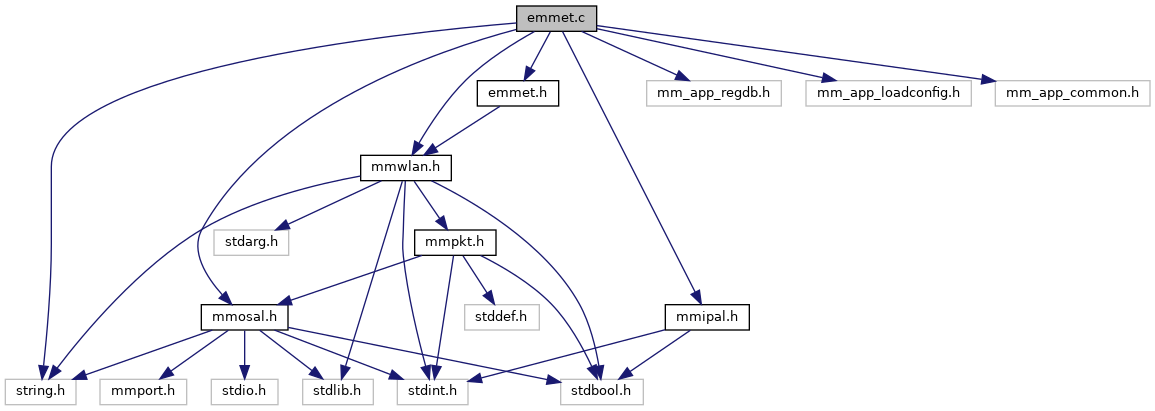
Go to the source code of this file.
Functions | |
| static void | link_status_callback (const struct mmipal_link_status *link_status) |
| Link status callback. More... | |
| void | app_init (void) |
| Main entry point to the application. More... | |
| void app_init | ( | void | ) |
|
static |